13 Practical Claude Code Tips from Its Creator, Boris Cherny

Copywriter
When the creator of a tool shares how he actually uses it, that insight matters — especially for B2B engineering teams looking to integrate AI into real workflows. Claude Code, an AI-assisted coding environment from Anthropic, is designed for flexibility.
Boris Cherny, the lead behind Claude Code, recently published on X his personal workflow and 13 practical tips for getting the most out of it. These aren’t theoretical prompts — they’re patterns that help reduce friction and improve quality when using AI to write or review code.
For your convenience, we have gathered them all together. Below is a clear, engineer-centric rundown of those tips and how they improve real work.
1. Run multiple Claude instances in parallel
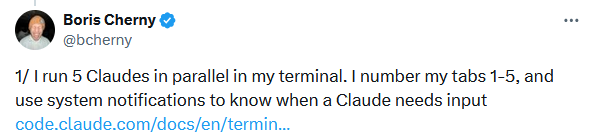
Boris runs five Claude Code sessions simultaneously, each in its own git checkout. Every tab has a purpose: feature coding, tests, docs, reviews, etc.
System notifications alert him when a session requires attention. For this reason, Boris recommends configuring iTerm2 notifications.
Why this works
- Keeps multiple workstreams moving without any conflicts
- Avoids idle time waiting on a single Claude to finish
- Let you batch related tasks (lint, tests, docs) concurrently.
This pattern is especially useful in teams shipping small PRs frequently.
~/repo-1 $ # Tab 1: Working on feature
~/repo-2 $ # Tab 2: Running tests
~/repo-3 $ # Tab 3: Code review
~/repo-4 $ # Tab 4: Debugging
~/repo-5 $ # Tab 5: Documentation
2. Parallel web and mobile sessions
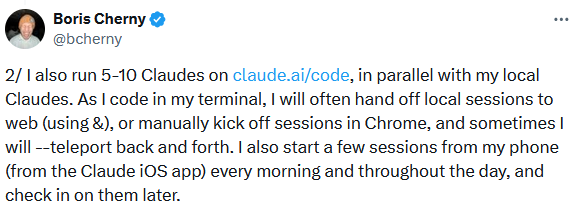
In addition to the terminal session, Boris runs 5-10 sessions in the browser via claude.ai/code. He switches between environments using the & command or --teleport flag.
Every morning and throughout the day, Boris starts a few sessions on the Claude iOS app on his phone and checks in on them later.
Takeaway
- AI workflows shouldn’t be siloed to one interface
- Parallel contexts across devices give flexibility
- Useful for distributed teams or asynchronous review patterns.
Key commands
& — Background a session
--teleport — Switch contexts between local and web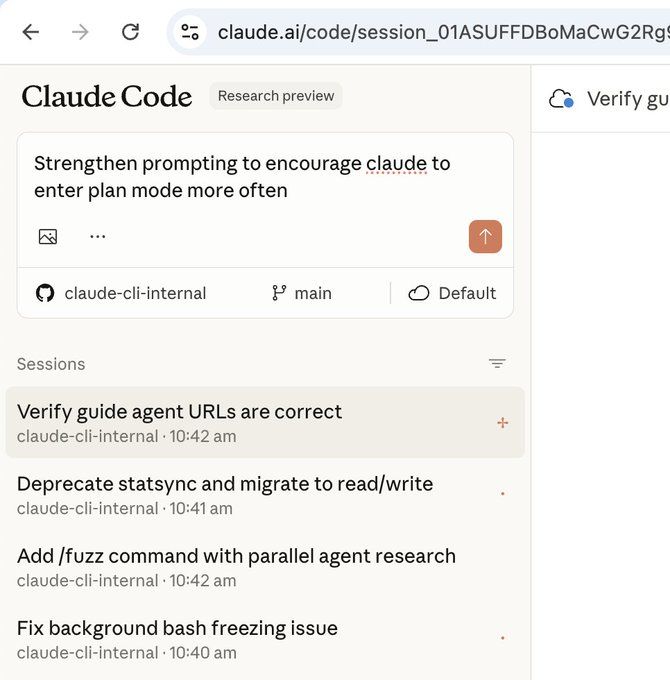
Source: Boris Cherny via X
3. Prefer Opus 4.5 with thinking mode
Despite being larger and slower than smaller models like Sonnet, Boris favors Opus 4.5 with thinking mode for everything because it requires less steering and is better at using built-in tools.
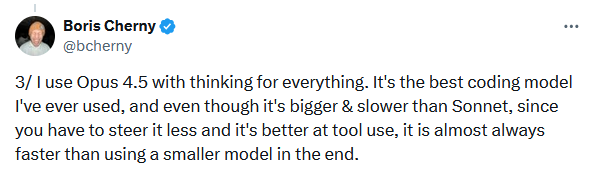
Boris Cherny says: "It's the best coding model I've ever used, and even though it's bigger & slower than Sonnet, since you have to steer it less and it's better at tool use, it is almost always faster than using a smaller model in the end."
Engineering impact
- Higher-quality suggestions with fewer iterations
- Better understanding of code context
- Less time wasted adjusting prompts.
4. Maintain a shared CLAUDE.md in source control
The team shares a single CLAUDE.md file for the Claude Code repository, which is checked into Git. All of us contribute to this file multiple times a week.
Other teams maintain their own CLAUDE.md files. Each team is responsible for keeping theirs up to date.
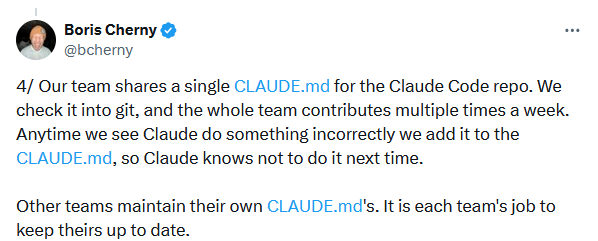
"Anytime we see Claude do something incorrectly, we add it to the CLAUDE.md, so Claude knows not to do it next time," Boris says.
How it helps
- Claude learns from past mistakes in your own repo
- Team members contribute to the same guardrails
- Reduces inconsistent AI behavior over time.
claude-cli $ cat CLAUDE.md
# Development Workflow **Always use `bun`, not `npm`.** # 1. Make changes # 2. Typecheck (fast) bun run typecheck # 3. Run tests bun run test -- -t "test name" # Single suite bun run test:file -- "glob" # Specific files # 4. Lint before committing bun run lint:file -- "file1.ts" # Specific files bun run lint # All files # 5. Before creating PR bun run lint:claude && bun run test
5. Tag @.claude in code reviews
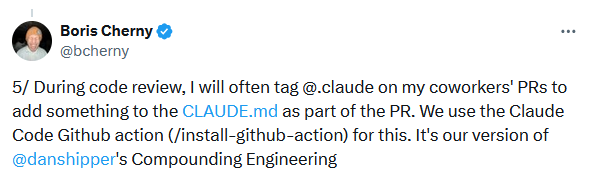
As part of his code review process, Boris tags @.claude directly on PRs to capture learnings in the CLAUDE.md file — all within the PR itself. This is powered by the Claude Code GitHub Action (/install-github-action). Boris refers to the practice as his take on "Compounding Engineering," a concept he borrowed from Dan Shipper.
Result
- Code review becomes a learning loop
- Team conventions are encoded automatically
- AI becomes a team member with institutional memory.
// Example PR comment: nit: use a string literal, not ts enum @claude add to CLAUDE.md to never use enums, always prefer literal unionsResult
Claude automatically updates the CLAUDE.md and commits: "Prefer `type` over `interface`; never use `enum` (use string literal unions instead)".
6. Start every session in Plan Mode
Before asking Claude to write the code, Boris always starts every complex task in Plan Mode. Press Shift+Tab twice to switch to it. He refines the plan until it is finalised, then switches to auto-accepting edits.
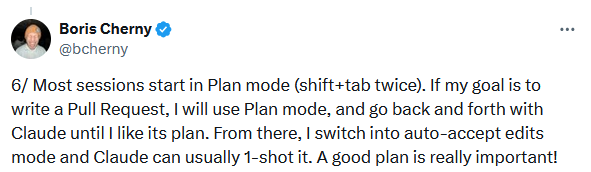
The workflow is as follows:
Plan mode → Refine plan → Auto-accept edits → Claude 1-shots it
“A good plan is really important!” says Boris.
Why it matters
- Encourages structured thinking before coding
- Reduces rewrites and back-and-forth
- Makes Claude’s output more predictable.
7. Use slash commands for common inner loops
Slash commands automate repeated workflows such as committing, pushing, and opening PRs. It cuts down on redundant prompting and lets Claude tap into the same workflows Boris uses. These commands live in .claude/commands/ and are tracked in Git.
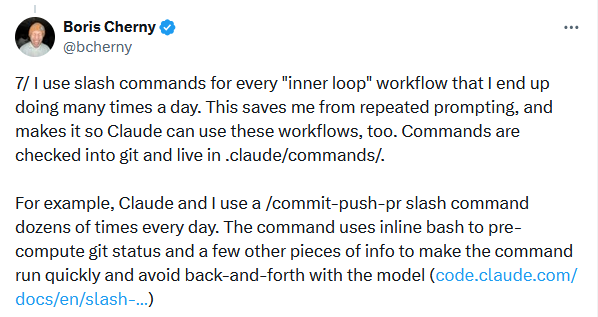
One example is /commit-push-pr, which both Claude and Boris run dozens of times daily. It uses inline Bash to pre-compute Git status and a handful of other details upfront, keeping the command snappy and reducing unnecessary back-and-forth with the model.
Why is it a powerful feature?
Slash commands can include inline Bash to pre-compute information (such as Git status) for quick execution without the need for additional model calls.
Benefits
- Saves repetitive prompting
- Standardises common tasks
- Claude can execute them with fewer model calls.
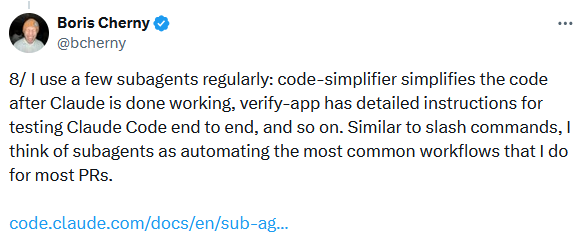
8. Create and use subagents for recurring tasks
Subagents are automation units that handle common workflows like simplifying code or running validations. Boris uses several regularly:
- code-simplifier – cleans up code
- verify-app – runs detailed end-to-end tests.
Why subagents matter
- Keeps the main session focused
- Modularises complex tasks
- Reduces context clutter.
9. Use PostToolUse hooks to auto-format code
A PostToolUse hook takes care of formatting Claude's code output. While Claude typically produces clean, well-structured code on its own, the hook catches any remaining edge cases — keeping CI pipelines free of formatting failures down the line.
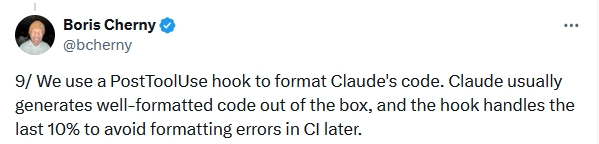
"PostToolUse": [
{
"matcher": "Write|Edit", "hooks": [
{
"type": "command", "command": "bun run format || true"
} ] } ]
Engineering payoff
- Eliminates trivial formatting comments in PRs
- Preserves style consistency across AI-generated code.
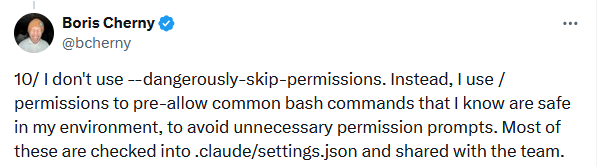
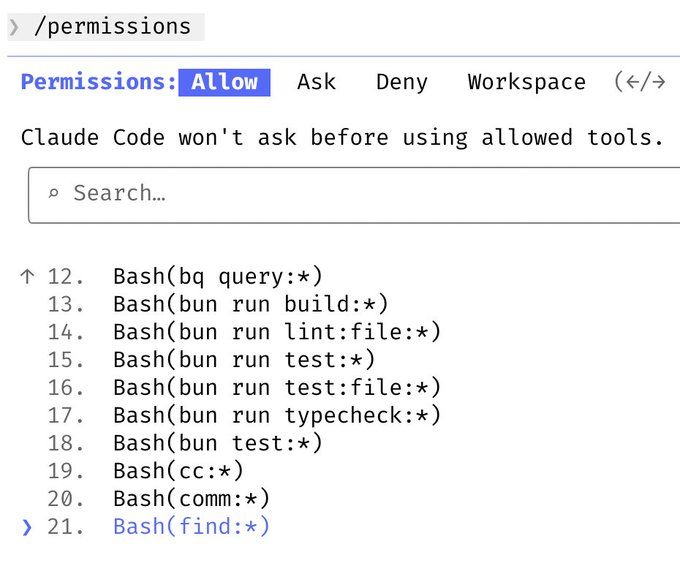
10. Pre-allow safe permissions instead of skipping them
Rather than using unsafe --dangerously-skip-permissions, Boris pre-allows necessary Bash commands via /permissions in .claude/settings.json and shares across the team.
Benefits
- Reduces unnecessary prompts
- Maintains safety guardrails
- Gives Claude authority to run predictable tooling.
11. Integrate Claude with real tools
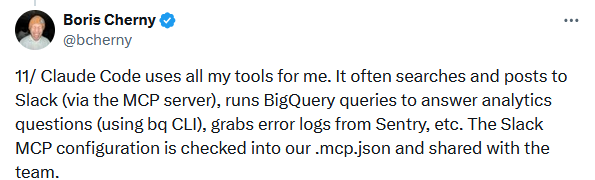
Claude can run your existing tools autonomously - like posting to Slack via MCP, running BigQuery queries with a CLI, or pulling logs from Sentry.
The Slack MCP configuration is checked into .mcp.json and shared with the team.
claude-cli-2 $ cat .mcp.json
{
"mcpServers": {
"slack": {
"type": "http",
"url": "https://slack.mcp.anthropic.com/mcp"
}
}
}
Impact
- AI becomes part of your engineering toolkit
- High-value context (metrics, logs, messages) is surfaced automatically.
12. Handle long-running tasks thoughtfully
For very long-running tasks, Boris chooses one of these ways:
- Prompt Claude to verify its work with a background agent when it's done
- Use an agent Stop hook to do that more deterministically
- Use the ralph-wiggum plugin by Geoffrey Huntley
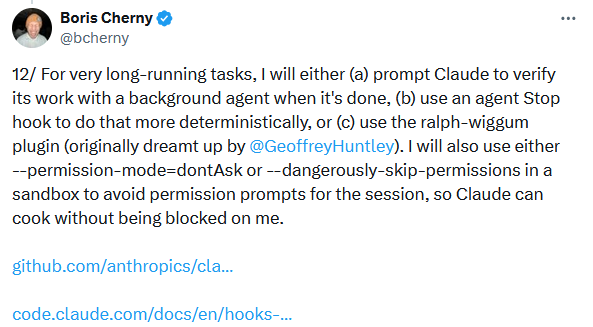
He also uses either --permission-mode=dontAsk or --dangerously-skip-permissions in a sandbox to avoid permission prompts for the session.
“So, Claude can cook without being blocked by me”, Boris explains.
How this helps
- Keeps Claude moving without interruptions
- Avoids stalled sessions in long processes.
13. Verification is the most important tip
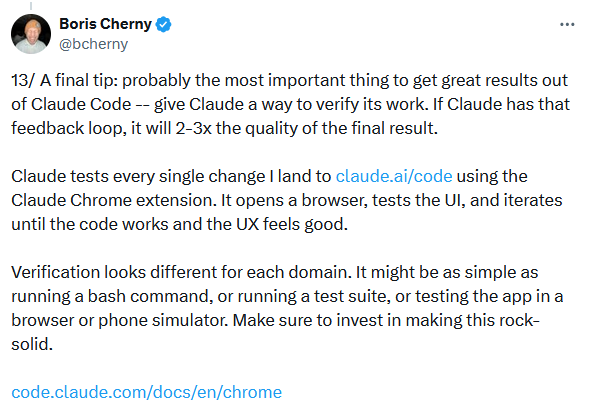
The #1 insight from Boris: always give Claude a way to verify its work. Whether that’s test suites, simulation environments, or browser checks, verification closes the feedback loop.
“If Claude has that feedback loop, it will 2-3x the quality of the final result”, says Boris.
Every change Boris deploys to claude.ai/code gets automatically validated by Claude using the Chrome extension. It spins up a browser, puts the UI through its paces, and keeps iterating until both the functionality and the user experience are just right.
Verification varies by domain: Bash commands, test suites, simulators, browser testing, etc.
Quality boost
- 2–3× improvement in output reliability
- Helps catch regressions early
- Treats AI output like real code delivery.
Why these tips matter for engineering teams
These aren’t surface-level prompt hacks. They reflect a workflow philosophy:
- Structure before code: plans, rules, patterns
- Feedback loops matter: verification and review automation
- Team knowledge compounds: shared guardrails that reduce mistakes.
For B2B teams aiming to adopt AI safely and predictably, these tips aren’t optional - they’re foundational.
How MadAppGang can help your team apply these practices
At MadAppGang, we help engineering teams integrate AI tooling like Claude Code into real software workflows. Specifically:
- Workflow automation: We help design shared CLI/agent patterns that align with your release cadence.
- Engineering governance: We set up safe permission and verification systems in production.
- Custom CLAUDE.md and guardrails: Tailor guidance files and workflows to your stack.
- Toolchain integrations: Connect Claude Code to your CI, logs, and analytics for autonomous data access.
Working with us means not just trying Claude Code - it means deploying it safely and effectively across your engineering org.

